Need help? Give us a call: 1300 910 915

sales@queenslandcomputers.com.au

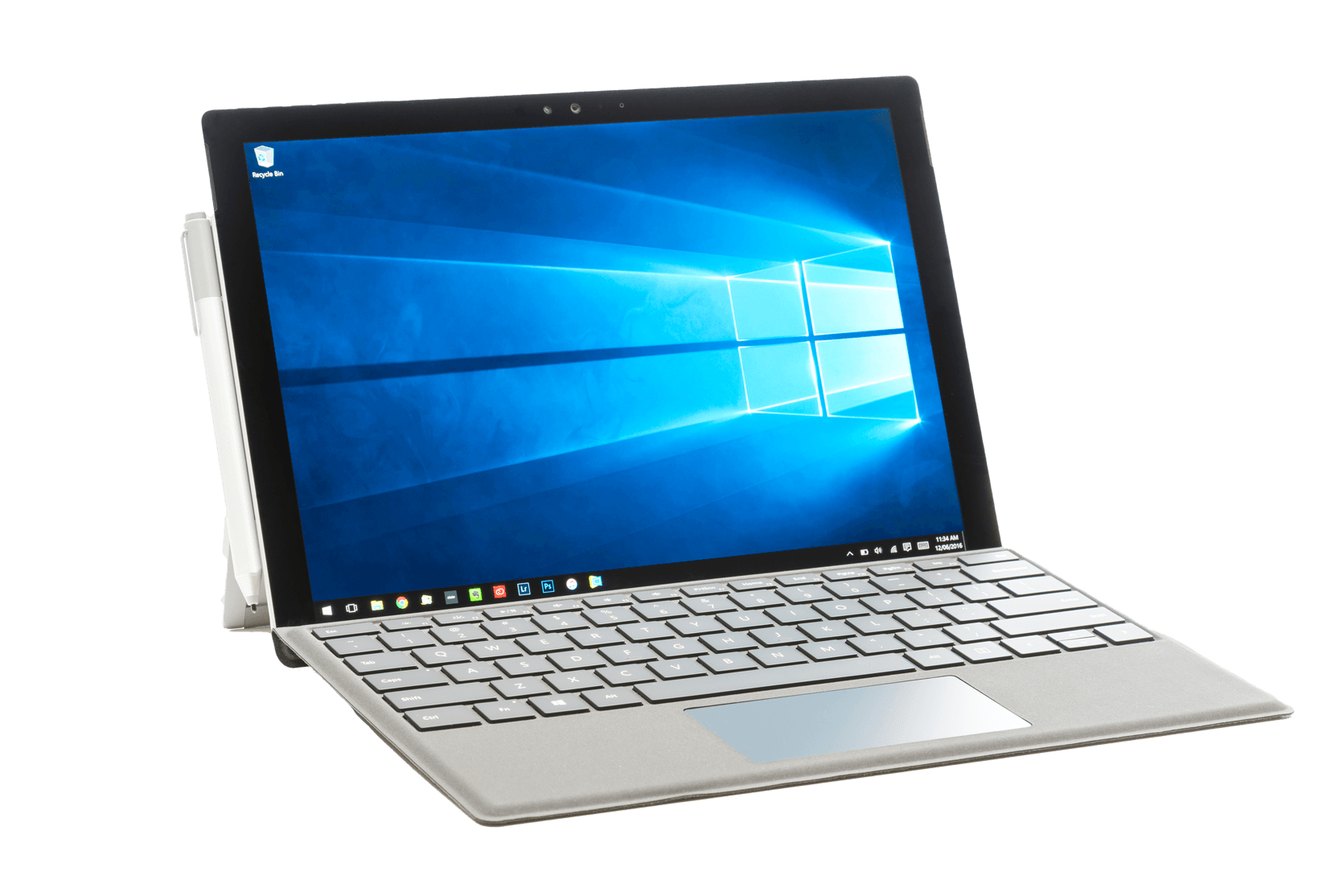
It’s official! Microsoft has decided to shut the doors (or windows) on Windows 10 in 2025. If your devices are still running Windows 10, it’s time to start thinking about the future. While Windows 10 may feel like a close computer companion, every piece of tech has an expiration date for its available support. With Windows 11’s shiny new features and beefed-up security, upgrading is more important than ever!
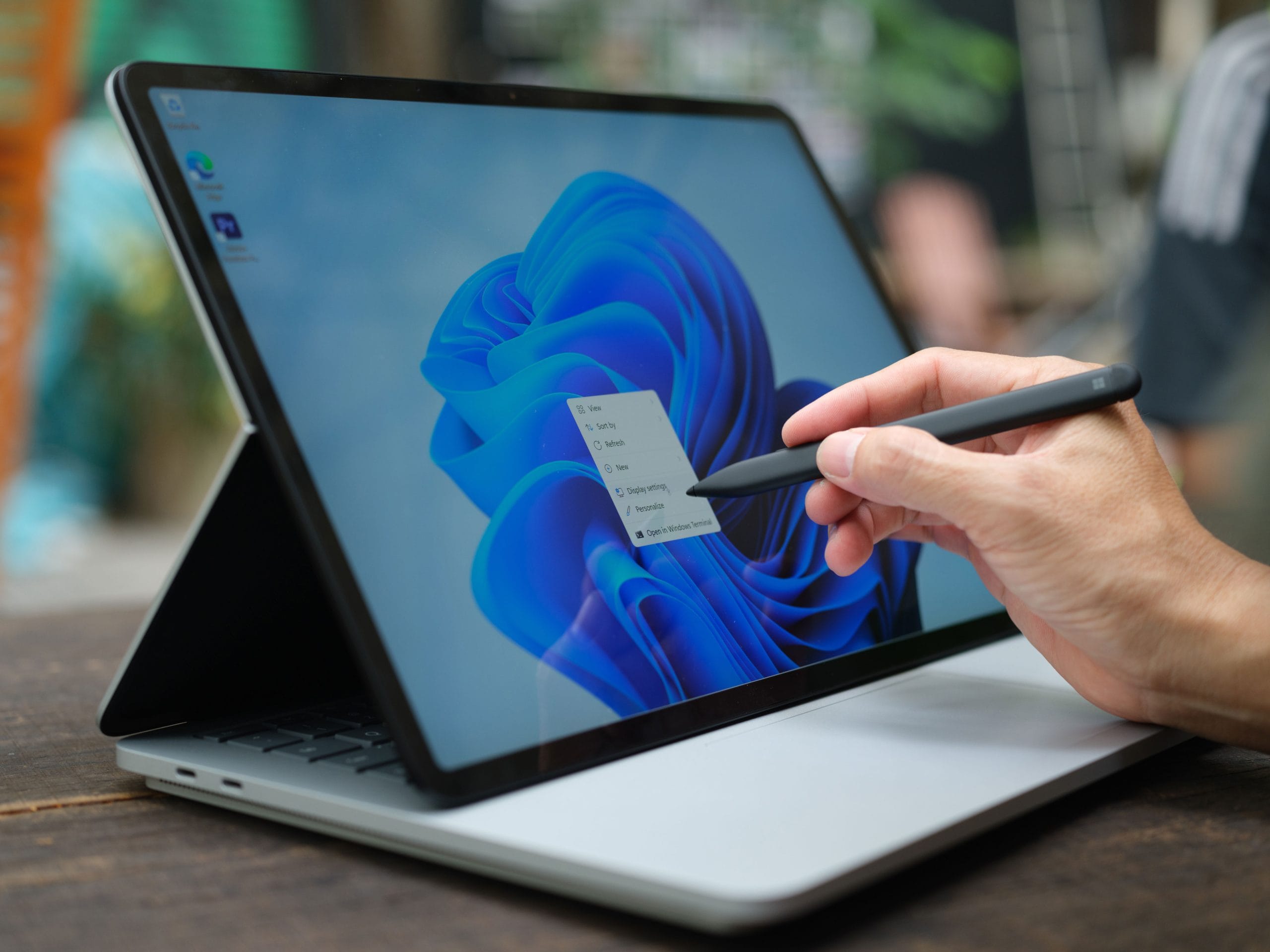
You’ve probably heard that Windows 11 has some hefty hardware requirements, but let’s explore why Microsoft has set the bar higher. The move from Windows 10 to 11 isn’t just a new look and feel – it’s designed to be a more secure and high-performing operating system (OS), made for the modern workforce. With the rise in cyber threats, an aging OS can put your business’ data at risk. Windows 11 was built with modern cybersecurity in mind – from hardware-based security features to zero-trust principles that make unauthorised access harder. And with Windows 10 on its way out, its security support will soon disappear, which could open up vulnerabilities for a business still trying to hold on to their trusted computer companions.
Let’s get real. Full transparency, no window tinting – not all Windows computers will make the jump to Windows 11 smoothly. If your business is using an older fleet of PCs, you might be dealing with one of the many systems that just won’t handle the upgrade, with proficiency.
Generally speaking, your computer will need the following specifications to meet the minimum system requirements of Windows 11.
While Windows 11 will operate on a system that meets the above minimum specifications, it’s important to note that Windows 11 uses more RAM (random access memory) than previous versions, and systems running on less than 16GB RAM will likely experience decreased performance after updating. Additionally, there are specific features that require additional hardware. System requirements to run some applications will exceed the minimum device specifications.
For more information on System Requirements and Specifications, including Feature-Specific requirements for Windows 11, click the button below.


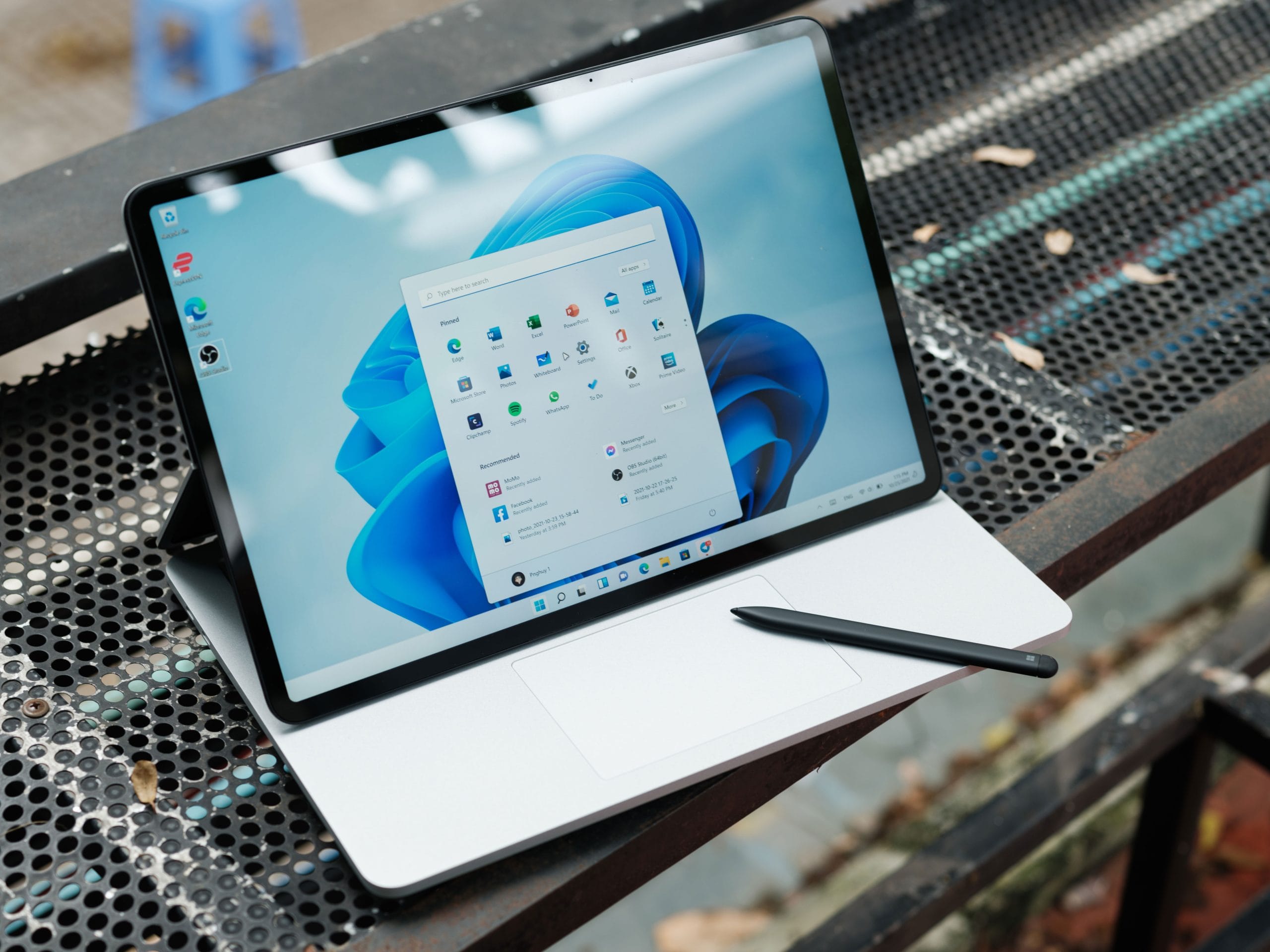
The countdown to the end of Windows 10 has begun, and the window to safely make the jump without interruption is closing. To reduce the risk of unnecessary and excessive downtime and ensure your operations continue to run smoothly, it’s important to be proactive, and begin planning your transition now. Let’s open some windows – 11 of them in fact – and let some fresh air in.
If you’re on a Managed Services Agreement with Queensland Computers, members of our team will already be in contact with you over the coming months to provide guidance and assistance with updating Operating Systems (if they haven’t already). In addition, if your business’ fleet of computers is likely to be incompatible with Windows 11, one of our friendly QLD-based Account Managers will be in touch over the coming weeks to provide you with a tailored, no-obligation, free Quote for compatible device fleet upgrades.